
To add call logs for a patient:
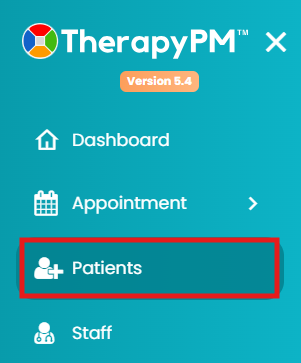
- Navigate to the Patients module.
- Select the patient from the list (scroll down or use the search bar).

- Go to Call Logs.

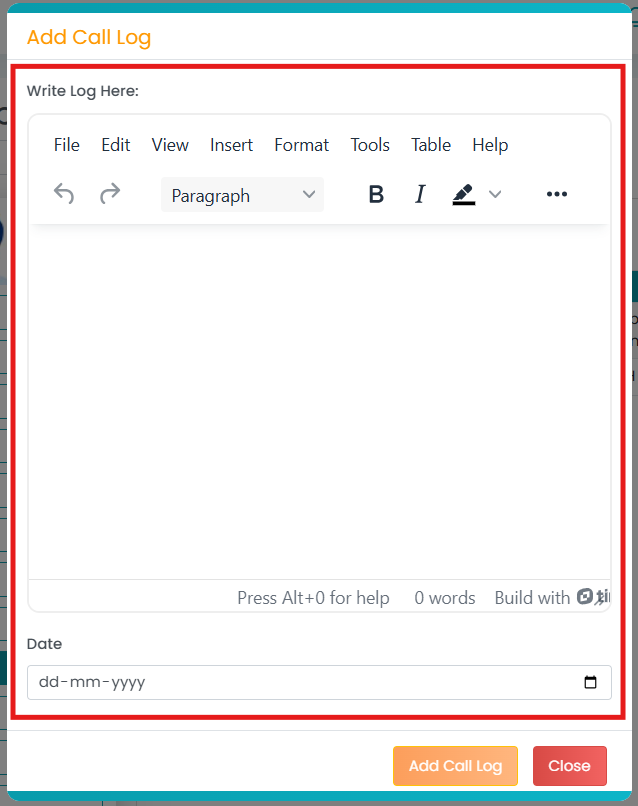
- Click on “Add Call Log” (top right corner).
- Add details about the call log and save changes.
You can view the added call log in the table. To know how, please visit this article!