
- Log on to your TherapyPM portal using this link: https://app.therapypms.com/.
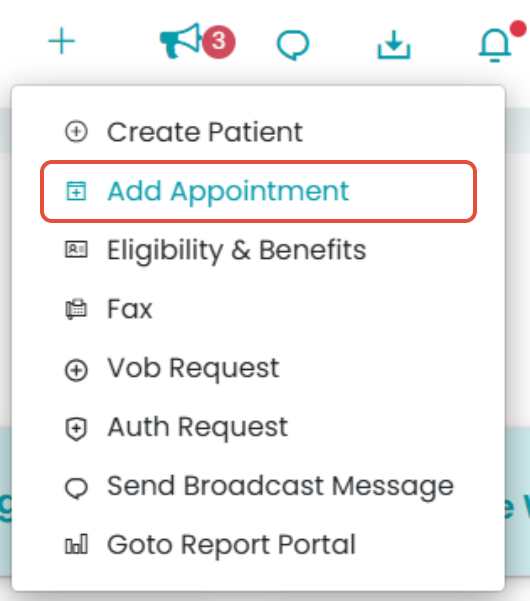
- To create an appointment, click the “+” icon and select the Add Appointment button.
- You can select the appointment type from the pop-up and add the necessary details.
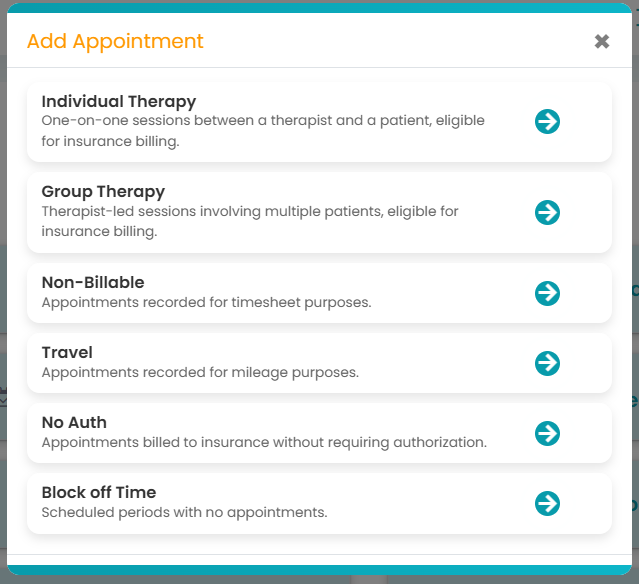
For more information on how to create individual, group, non-billable, travel, no auth, or block off time, you can click on the links here!