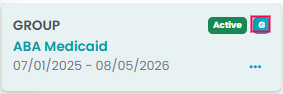
TherapyPM offers you options to create two types of authorizations: Individual and Group. Even with group sessions, you no longer need to navigate or browse through multiple tabs. Just as you add multiple patients in a single session, you can do the same with authorizations too!
Creating an Authorization Individually
Before creating a group authorization, you must create an active individual authorization in the patient authorization module. For further guidance on creating one, visit How To Create A New Authorization? article.
Once you created the individual authorization in the module, navigate to the authorization in the Authorization list.
From there, you can follow the given steps:
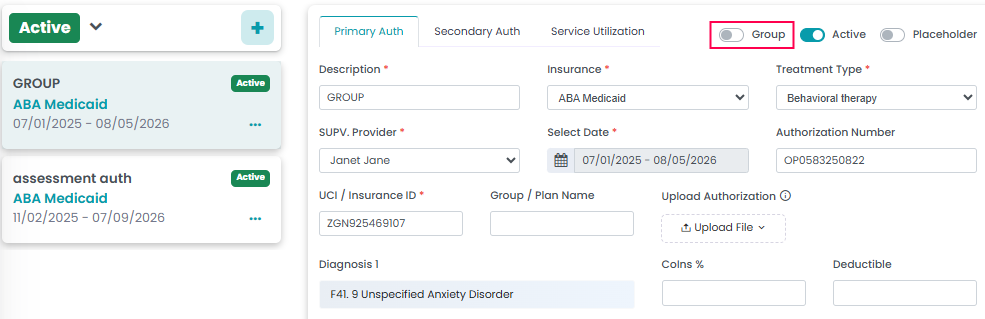
- Turn on the Group Toggle.
- Save Authorization.
Note: After saving Auth, you will need to refresh your web browser to view the changes.