
Staff Setup (ThearpyPM)
Below are the steps to set up your staff members and technicians in TherapyPM. Once the staffs are created on the TherapyPM side, ensure the same staffs are also created in HiRasmus using the exact same names, with no discrepancies.
Create Staff
Navigate to the staff tab in the left navigation bar.
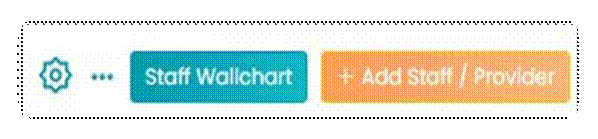
- Access and Click "Add Staff / Provider" in the top right in the "Staff" module to create a provider or a staff member.
- Enter the provider/ staff information.
- After entering all the required details, click the Save button. The staff member will be successfully added to your practice.
With this step completed, the staff members are fully set up.
Staff Setup (HiRasmus)
Linking a User to TherapyPM
- Navigate to Settings > Organization > Users.
- Select Edit User and click the Link to TherapyPM Staff Profile button.
- A list of data synced from TherapyPM will appear. Select the staff member you want to link.
- Click Save once all changes have been made.
- After saving, the data will automatically sync with TherapyPM. Linked users will display a “Connected” badge in the table.
With all clients and staff successfully linked between TherapyPM and HiRasmus, you’re all set to start managing appointments and data collection seamlessly.