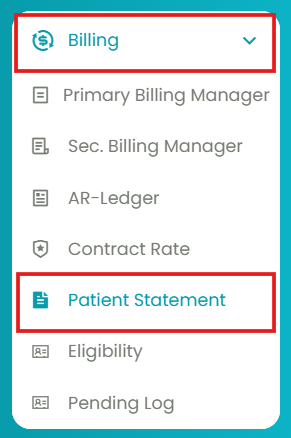
- Navigate to Billing > Patient Statement.
- Click on the 2nd tab: Manage Statement(s).
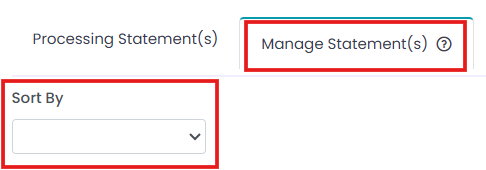
- Generate the Patient Statements table using filters.
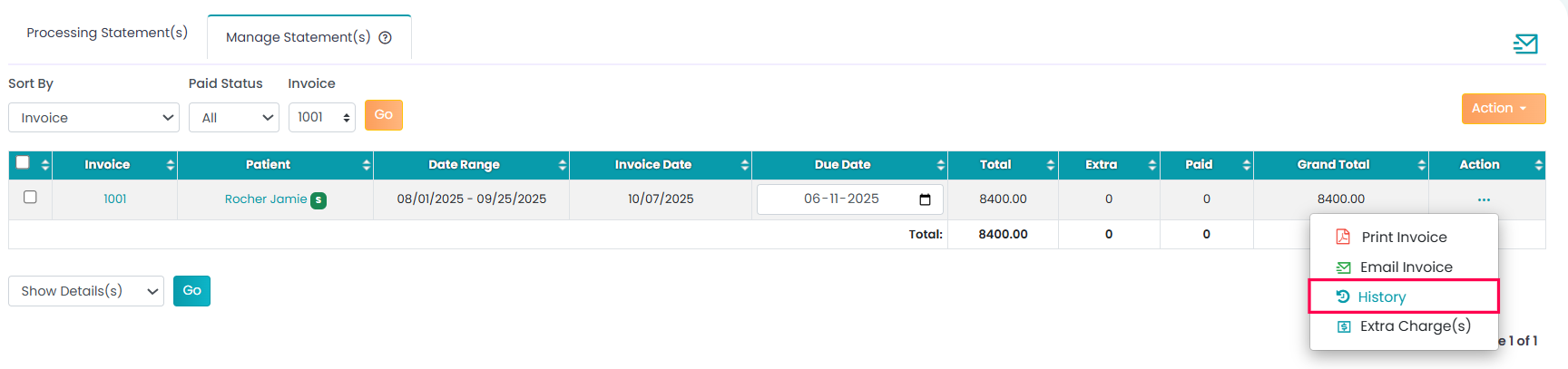
- Click on the three horizontal dots (...) and select History.
You can view your client's payment history here.

Modified on: Fri, 13 Feb, 2026 at 2:12 AM
You can view your client's payment history here.
Did you find it helpful? Yes No
Send feedback