
TherapyPM has a solution for that! You can easily track the files that went missing from the particular staff member's credentials right on the dashboard itself.
To identify the staff member's missing credentialing files:
- Navigate to the TherapyPM dashboard.
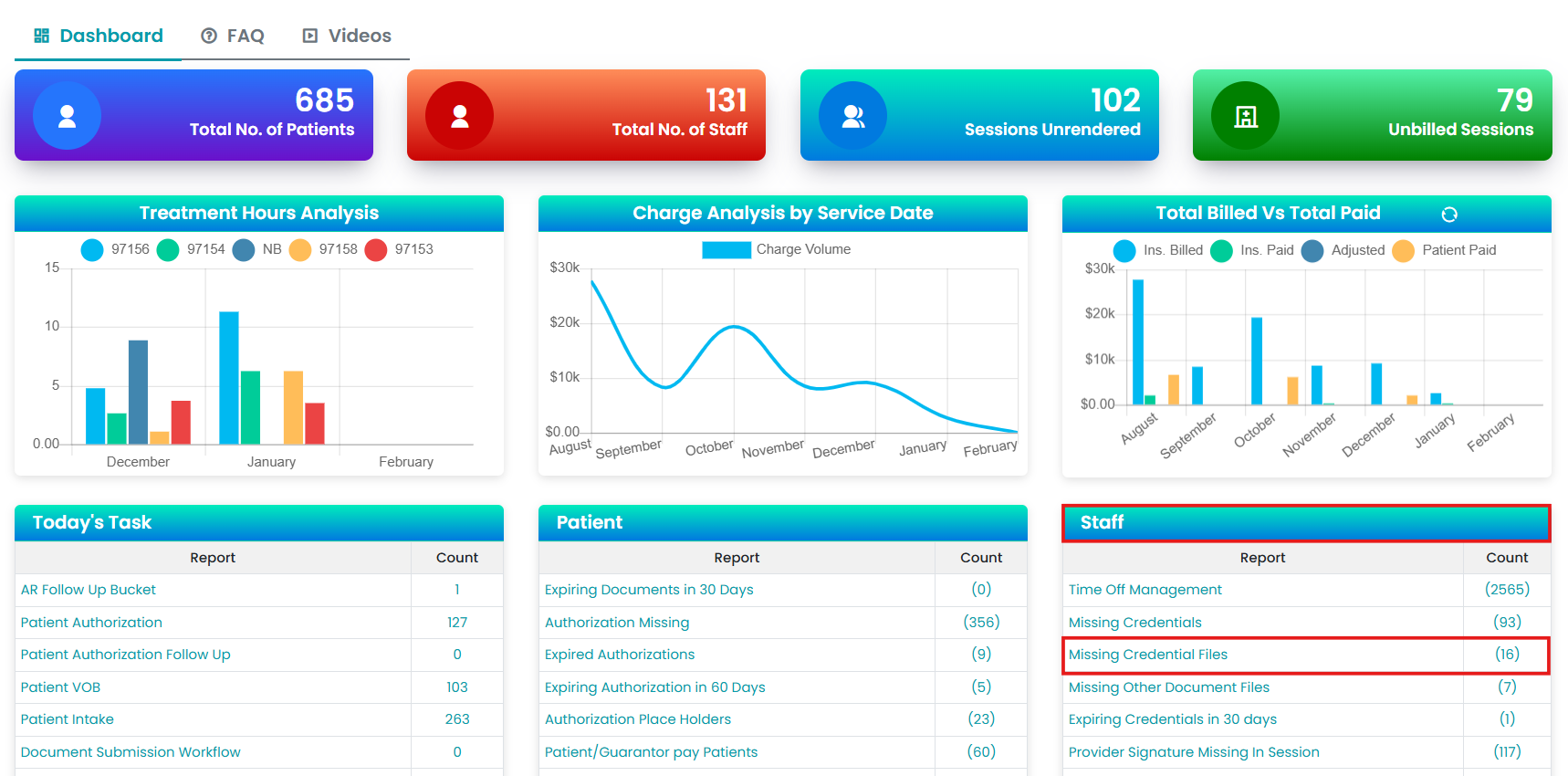
- Under the Staff reports, click on "Missing Credential Files".
- You can see the report of providers missing required documents or certificates.
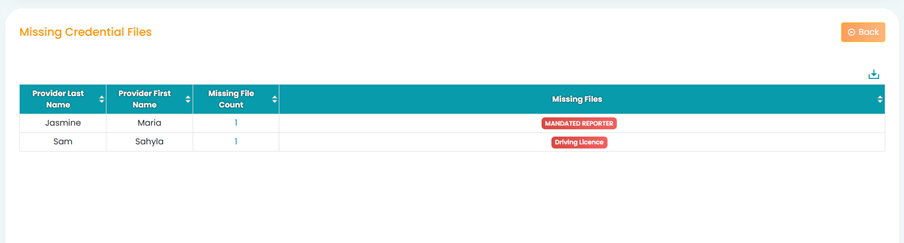
Additionally, the TherapyPM dashboard shows how many credentialing files are missing in numbers.