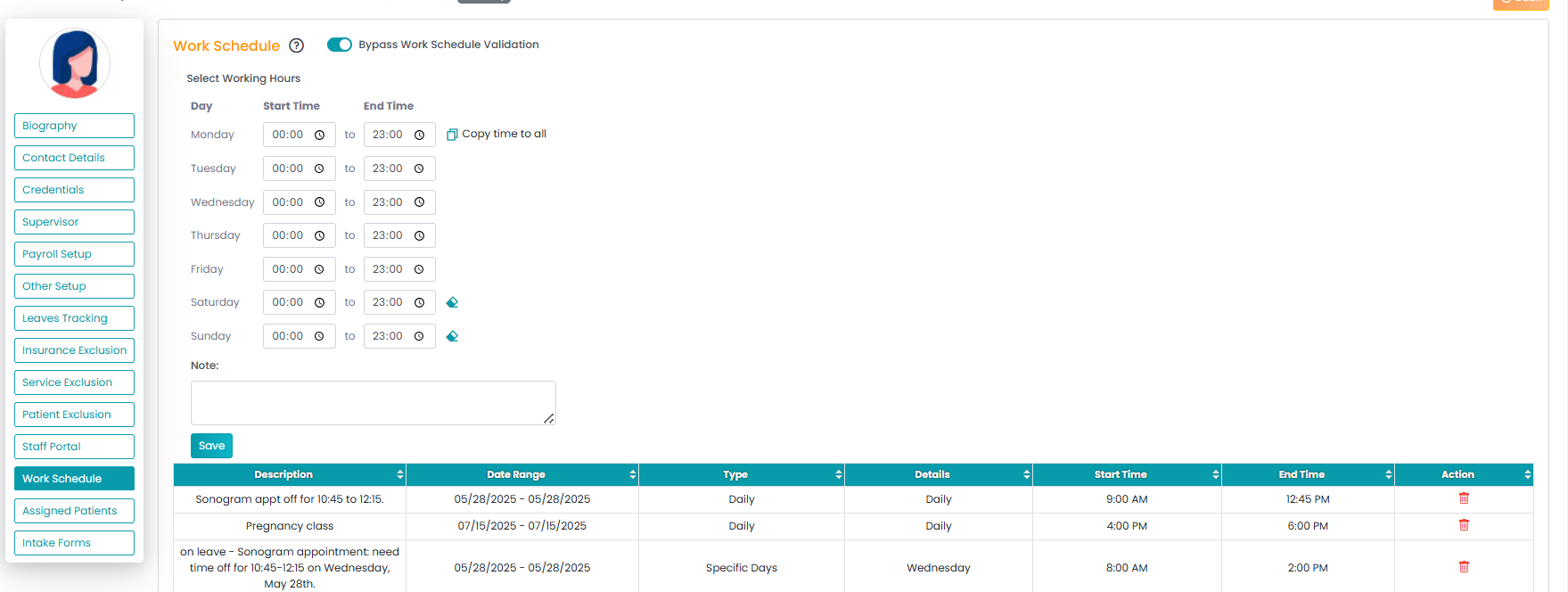
Block-off times visually shrink based on the time range selected. For example, a block from 1:00 to 1:30 PM will appear smaller on the schedule. When blocks are shorter, the full description may not display directly; however, hovering over the block will show the complete text.
Alternatively, you can review and manage block-off details from Staff Bio → Work Schedule, where the full information is visible and editable regardless of block length.