
When generating a batch, the number of sessions does not always match the number of claims created.
If a patient has multiple sessions on the same date of service, the system combines sessions into a single claim instead of generating separate claims for each session. This is expected behavior.
As a result, you may see fewer claims in the batch even though all sessions have been included.
How to Confirm Whether the Sessions are Included?
- Navigate to Billing > Primary Billing Manager > Manage Billing.
- Generate the table using filters.
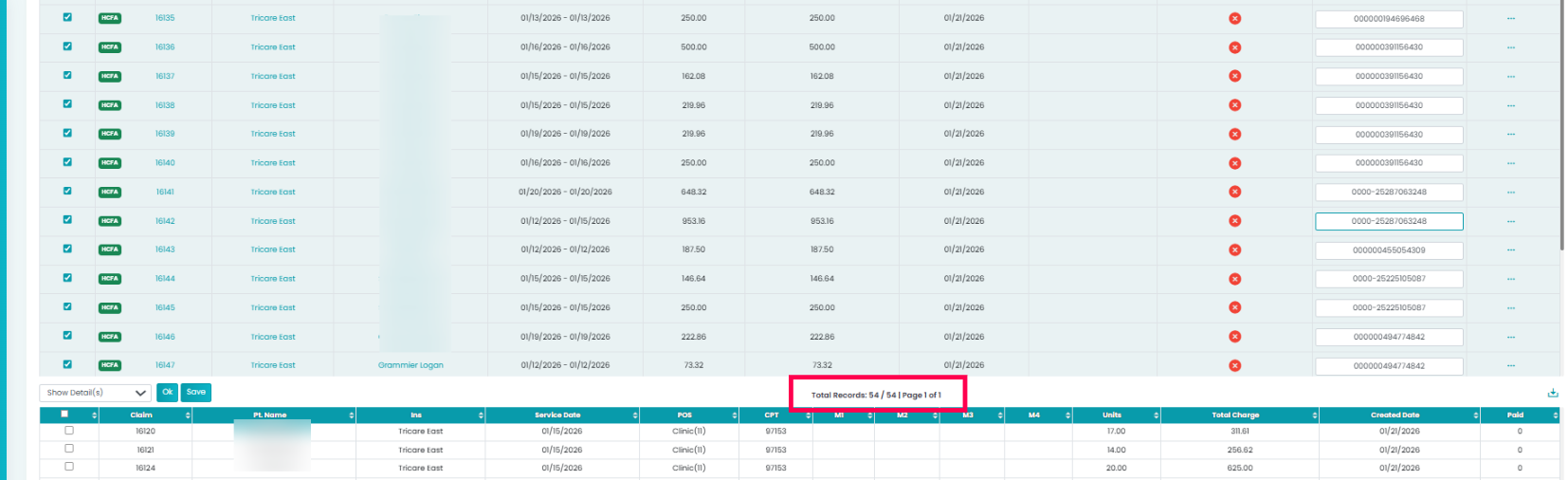
- Select multiple claims using checkboxes, and click on Show Details.
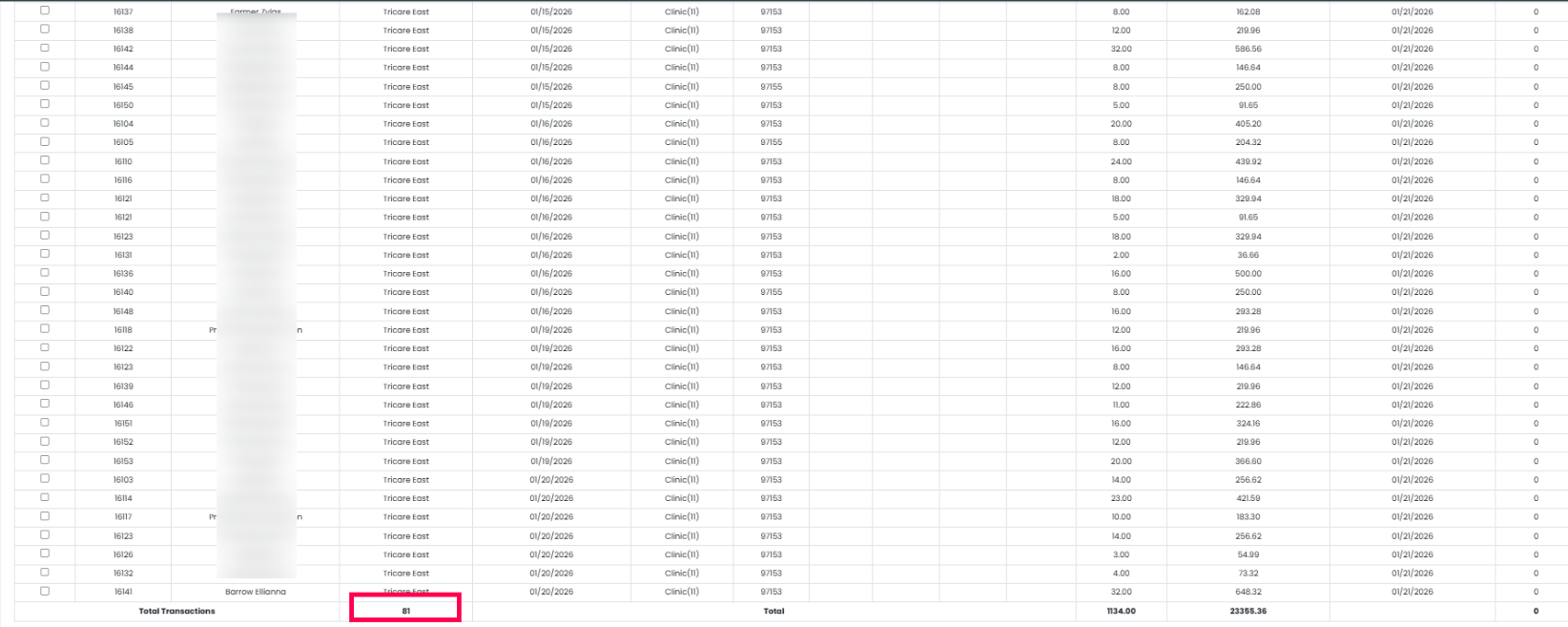
You will see more claims here than what the table shows.