
To allow a staff member to render their all own sessions, you need to give them the Update Session Status permission. You can do this by following these steps:
- Navigate to the staff member’s profile (Staff Bio).
- Go to the Staff Portal section.
- Open Access Settings.
- Toggle on Update Session Status.
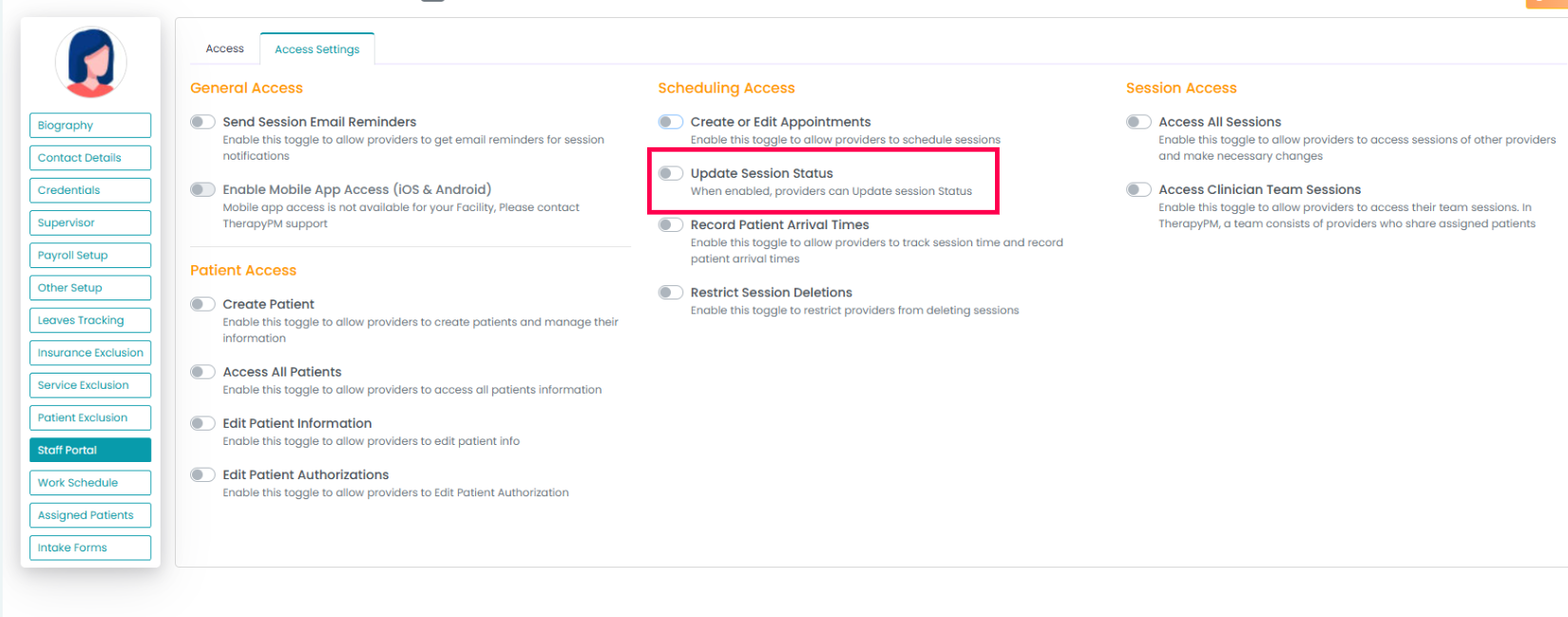
Once this permission is enabled, the staff member will be able to render their nonbillable sessions.