
Single Payment Link for Multiple Invoices
We’ve introduced a new billing enhancement that allows you to generate one payment link for multiple invoices for the same patient, making collections faster and easier.
How it works?
Navigate to Billing > Patient Statement > Manage Statement.
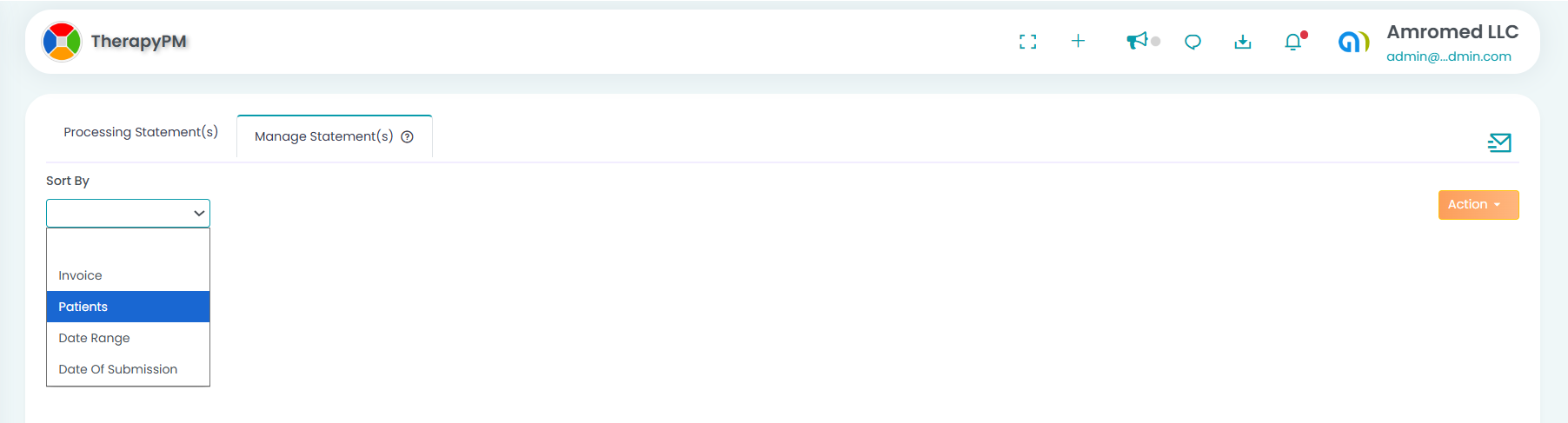
Apply the filters: Sort by: Patients, Paid Status: Unpaid and selecting the Patients.
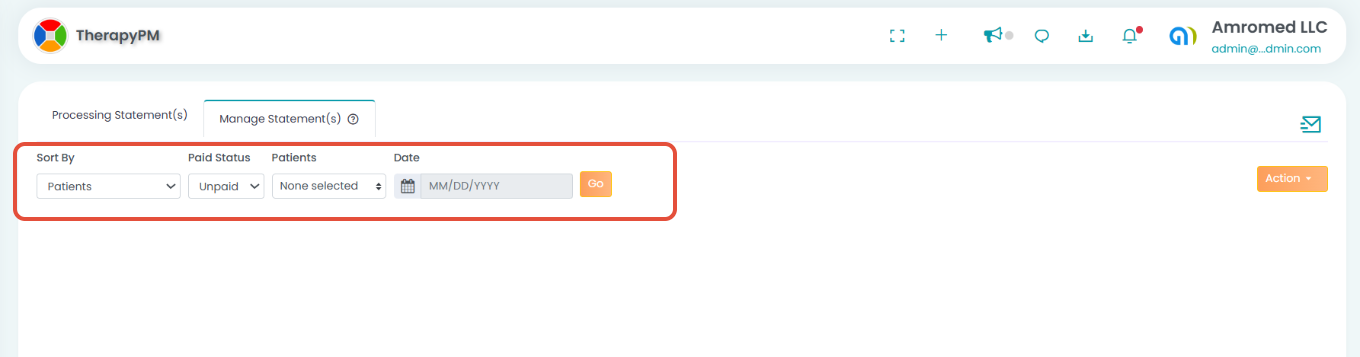
The unpaid invoices will be displayed. You can further refine the results by selecting the Patient Name and Unpaid status in the filter.
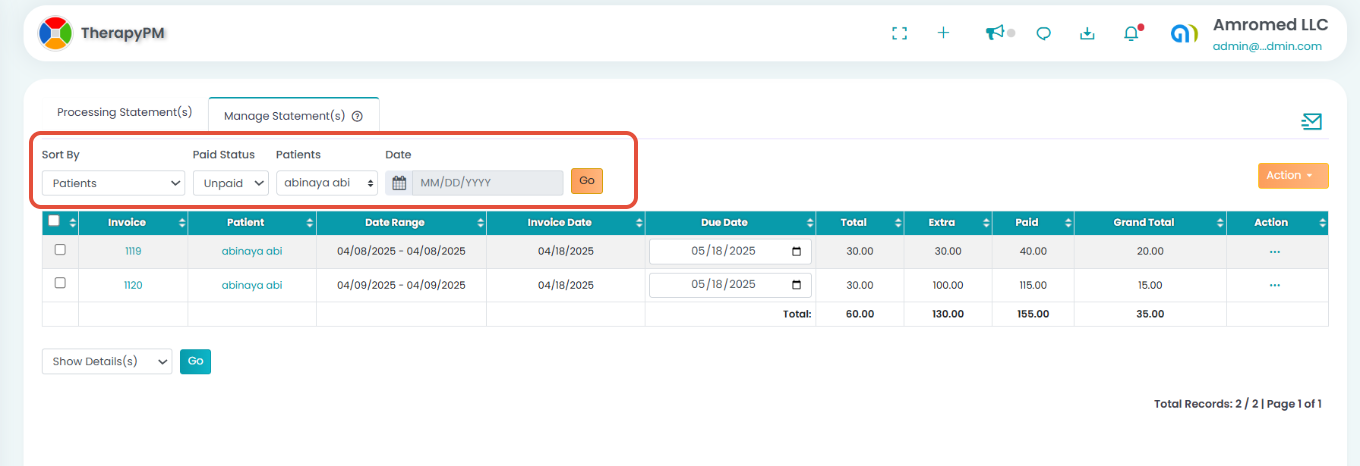
Select the multiple invoices you want to include.
Click Actions → Get Payment Link.
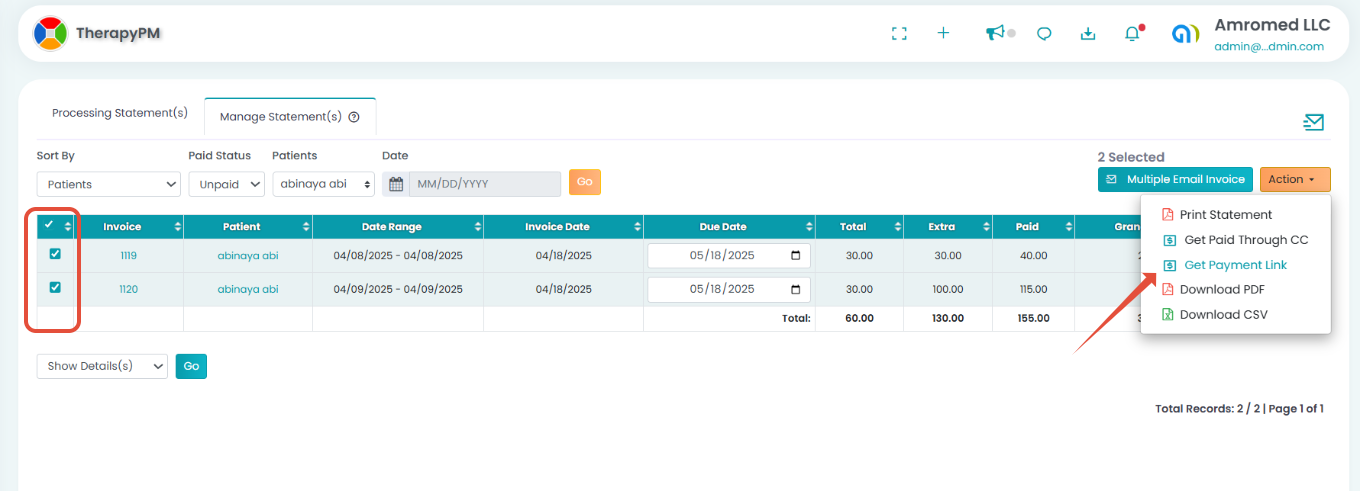
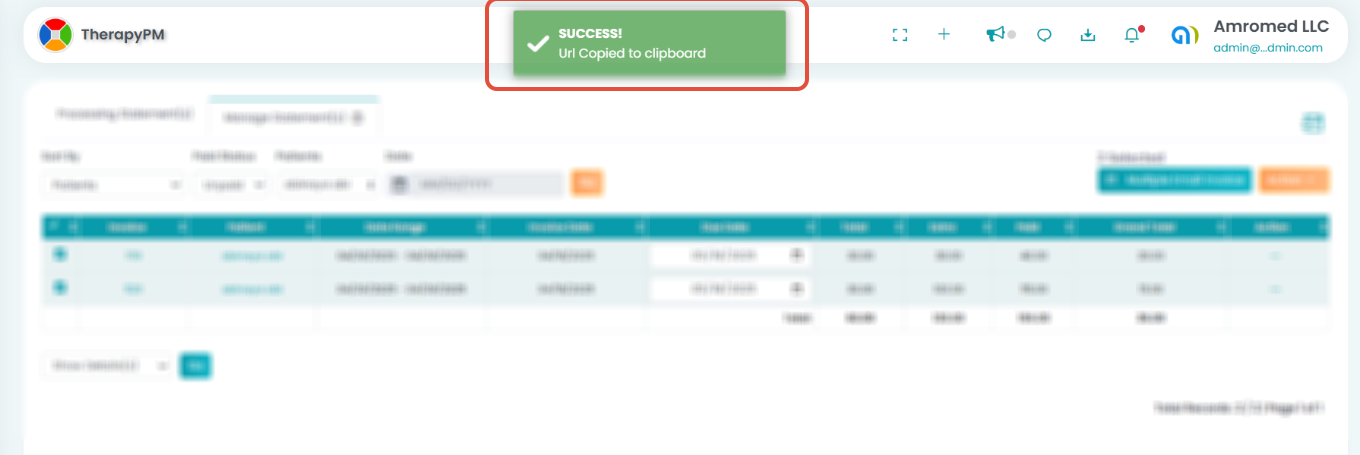
The payment URL will be copied to your clipboard. You can share this link with the patient so they can pay all selected invoices at once.
Important Note: Do not select invoices from different patients when generating a payment link.
This update simplifies billing workflows and improves the payment experience for both providers and patients.