How leads automatically move through intake stages in the CRM
The CRM is designed to guide every new inquiry all the way through onboarding and into services with minimal manual work. Leads automatically move from one stage to the next as required steps are completed.
This article explains what each stage means and what actions your team may need to take.
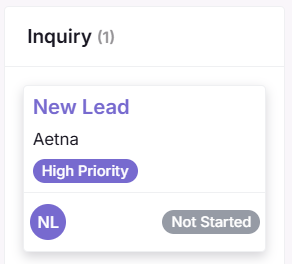
Stage 1 - Inquiry
A new lead has just been added to the system and intake has not started yet.
Actions:
Double-check info (DOB, contact, insurance, etc.)
Ensure all required intake forms are assigned
Send a welcome email if it has not already been sent
When the family uploads any intake document, the CRM automatically moves the lead to Docs Pending.
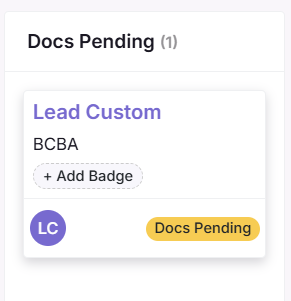
Stage 2 - Docs Pending
The family is currently working on intake documents.
Progress indicators showing how many forms are complete
Upload link information and access codes
Action:
Monitor progress each day
Send automated or manual reminders when needed
Offer support if the family is stuck
Once all required documents are completed -> CRM advances the lead to VOB Pending.
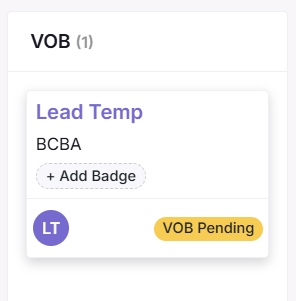
Stage 3 - VOB Pending (Verification of Benefits)
Insurance coverage and session eligibility must be confirmed.
Creates VOB request in Therapypms
Alerts Insurance Team to begin verification
Watches and updates VOB status in real time
Automatic workflow
When VOB is marked Completed -> Lead moves to GFE stage.
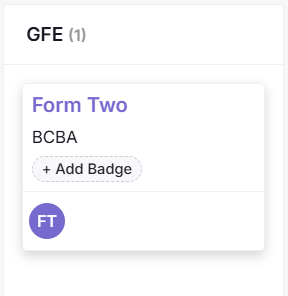
Stage 4 - GFE (Good Faith Estimate)
A cost estimate must be reviewed and signed before treatment begins.
Automated system actions
Generates the GFE in app.therapypms.com
Sends secure account setup link to the family
Lead can sign the estimate electronically
Automatic workflow
Once both signatures are completed -> Lead progresses to AUTH.
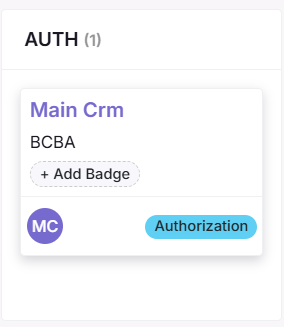
Stage 5 - AUTH (Authorization)
Insurance authorization is needed before services can be scheduled.
Submits authorization request to insurer
Tracks status and updates in CRM automatically
Status types
Open: request submitted
In Progress: under review
Approved: cleared for scheduling
Denied: follow-up required
Automatic workflow
When Authorization is Approved -> Lead moves into Scheduled.
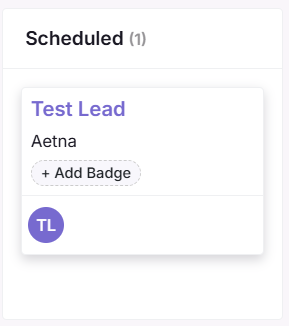
Stage 6 - Scheduled
The Client is ready to begin services.
Actions
Book first appointment
Send appointment confirmation
Prepare for upcoming session needs
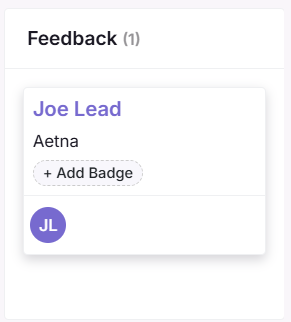
Stage 7 - Feedback
The first appointment has happened, now it’s time to check in.
Actions:
Reach out and ensure everything went well
Send feedback survey or follow-up message
Capture information that can improve engagement