
Where you monitor leads, documents, and progress in real time
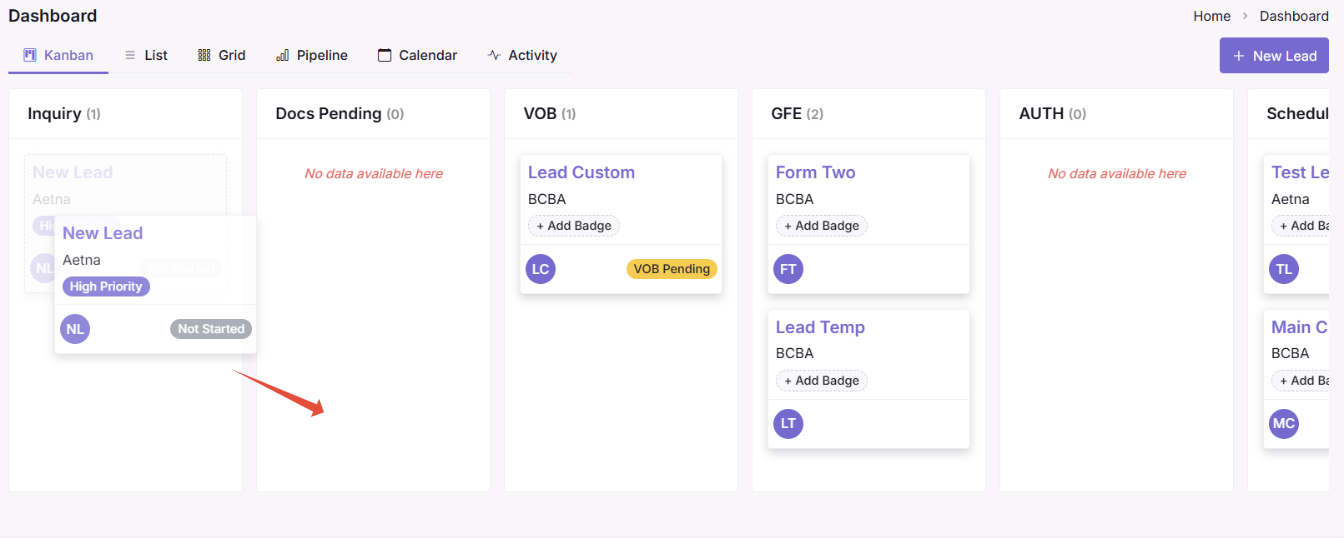
The CRM Dashboard is the main control center for your lead management workflow. It shows every lead’s current stage and gives you quick actions to move them forward.
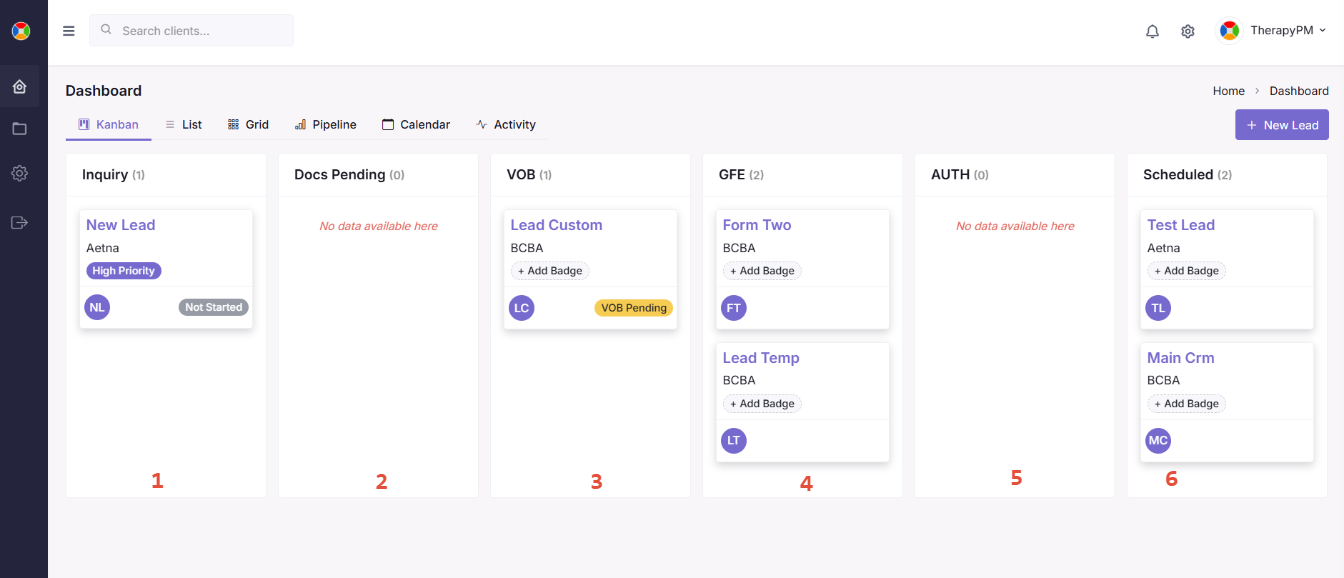
The dashboard uses a Kanban board layout each column represents a step in the lead intake process:
1. Inquiry: A new lead has been entered and intake has not started yet
2. Docs Pending: Forms have been assigned and the family is completing them
3. VOB: Insurance benefits are being verified
4. GFE: Good Faith Estimate has been generated and is waiting for signature
5. AUTH: Authorization request has been submitted to insurance
6.Scheduled: Lead is ready for services and has their first appointment scheduled
7. Feedback: Appointment completed and follow-up outreach begins
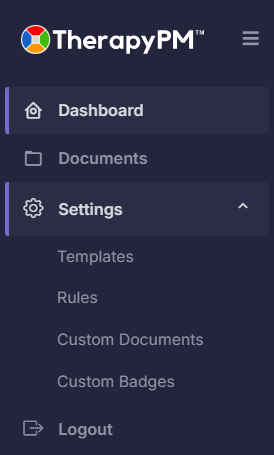
Located on the left side of the CRM, the menu gives you fast access to core tools:
- Dashboard: Returns you to the lead Kanban board
- Documents: Shows all uploaded forms and pending requests so you can monitor every lead’s paperwork
- Settings: Manage automation rules and create/edit email templates used in communication
Changing Dashboard Views
At the top of the dashboard, you’ll see a set of view options. These allow you to look at lead information in different formats depending on what you need:
- Kanban View: Visual board by stage (default and recommended for daily workflow).
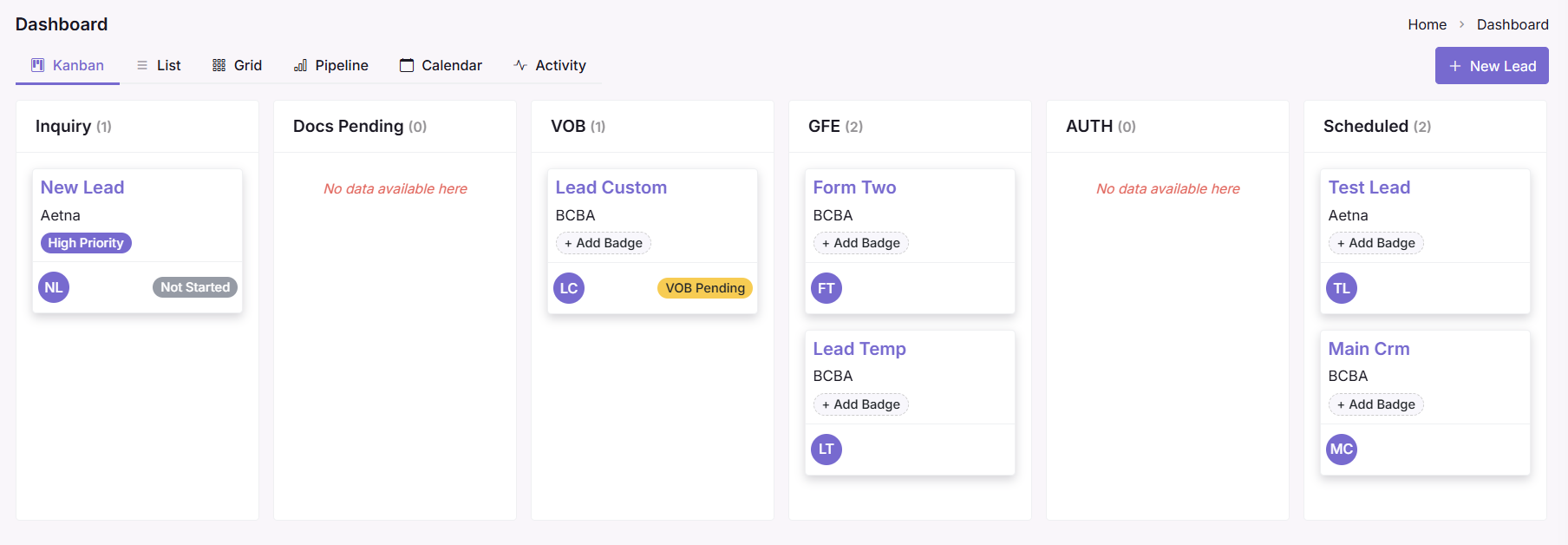
- List View: Shows all leads in a sortable, filterable row format (great for bulk review).
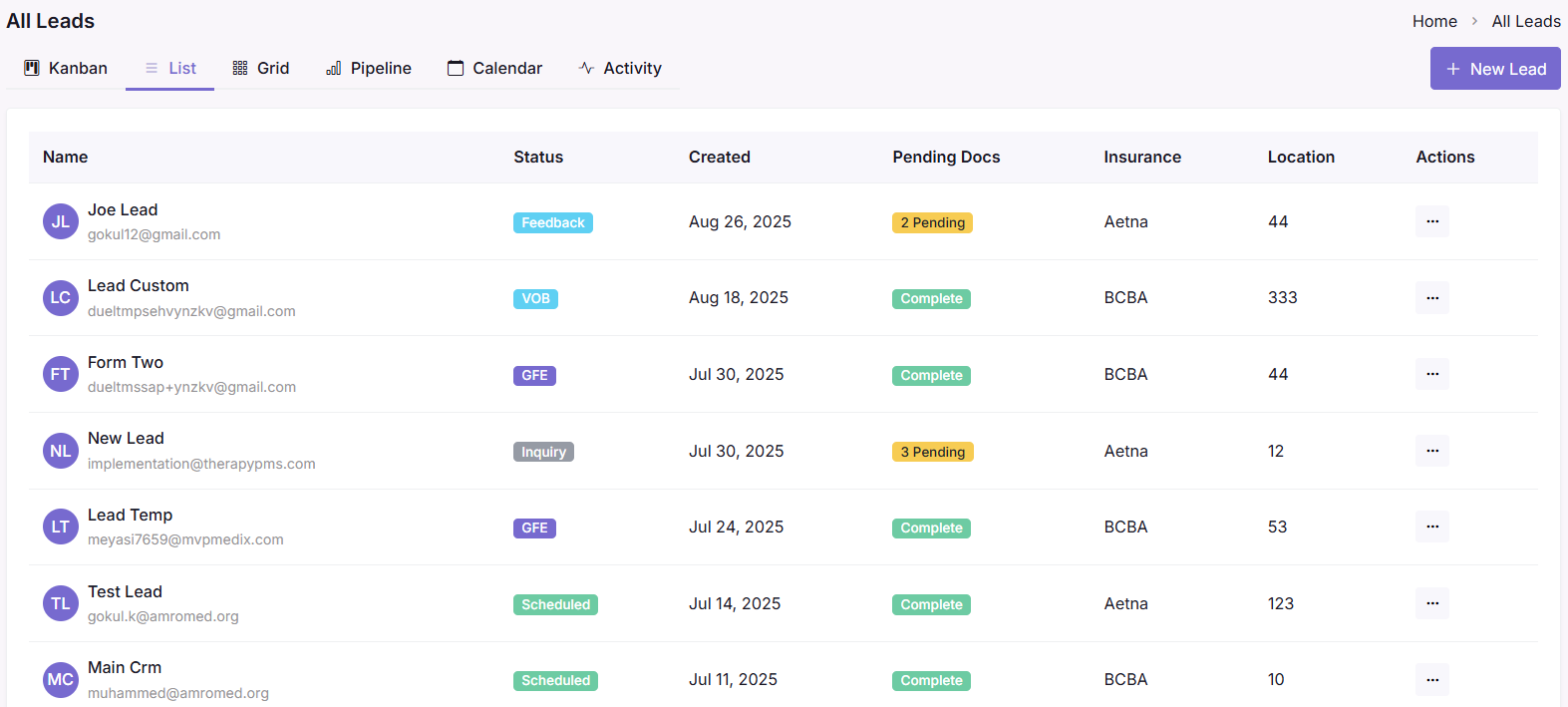
- Grid View: Clean card layout focused on profile details.
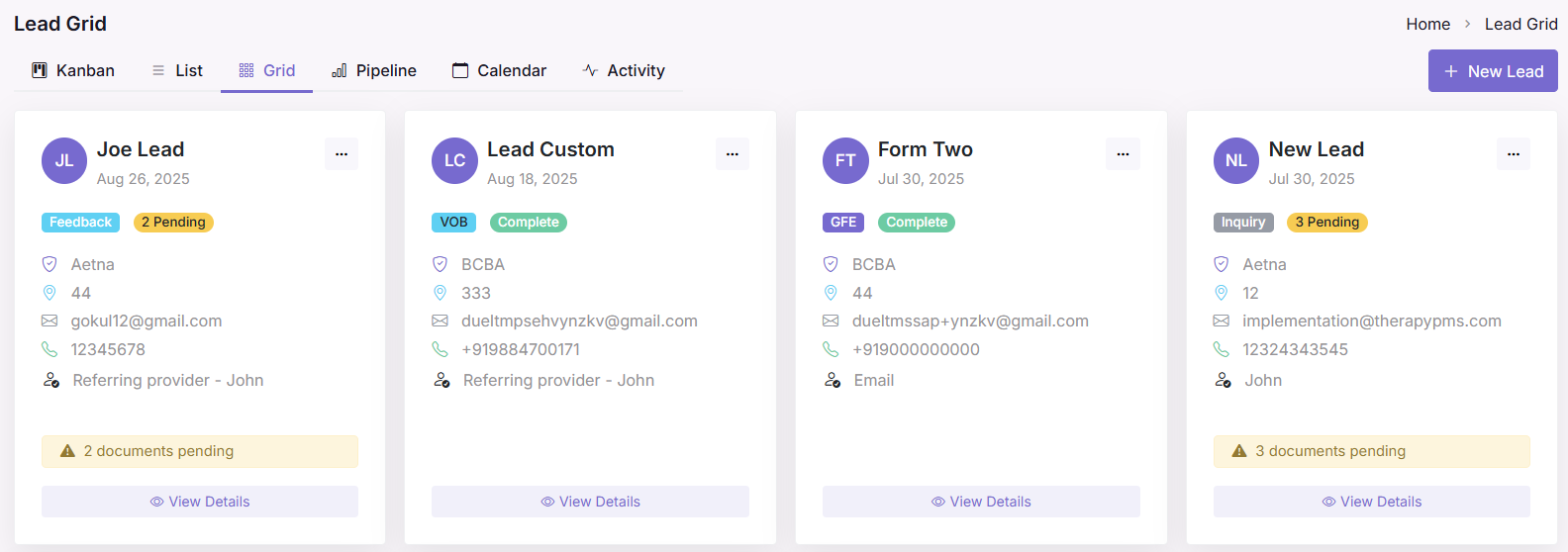
- Pipeline View: Performance and intake progress analytics.
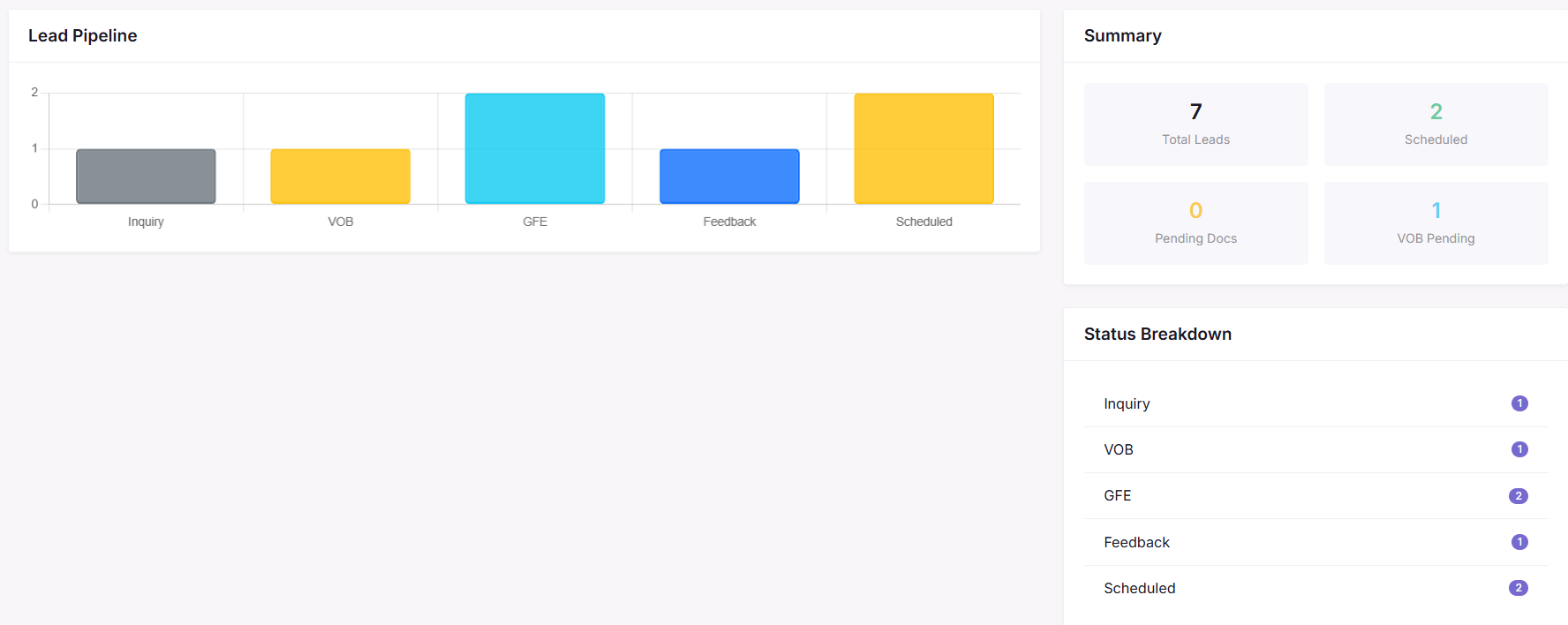
- Calendar View: Displays scheduled appointments or upcoming lead tasks in a calendar.
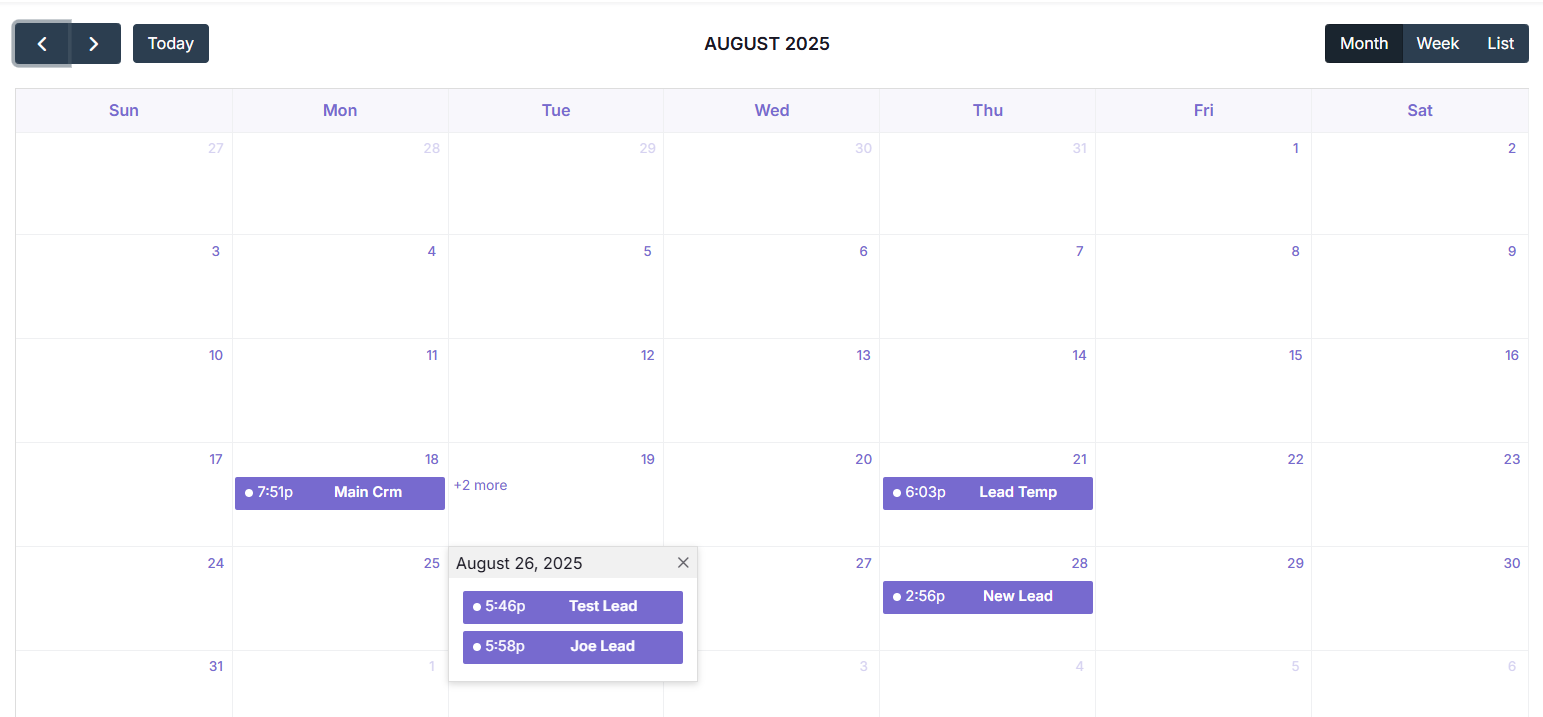
- Activity View: A chronological timeline of everything happening in the CRM (ideal for audits or follow-ups)
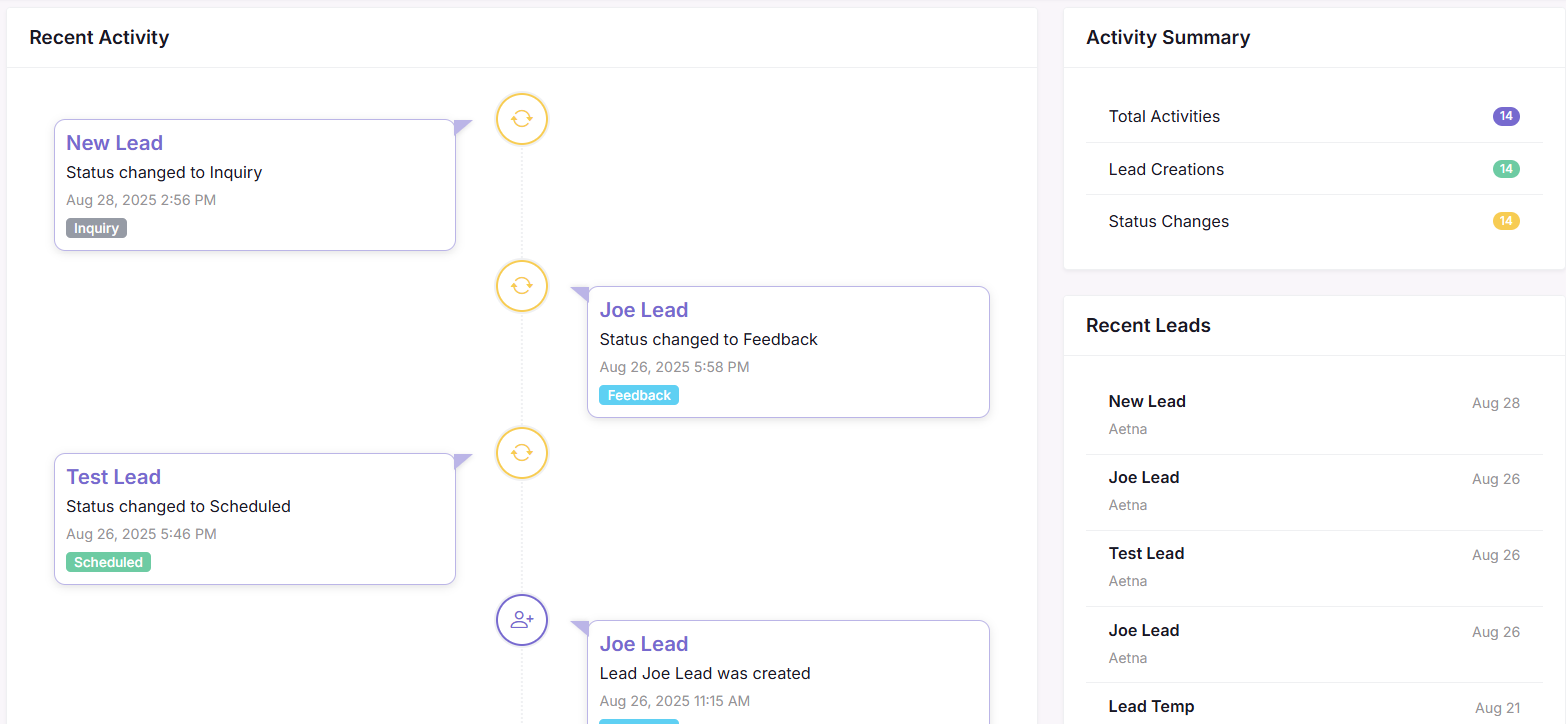
Every user can choose their preferred view, and it won’t affect how other staff see the dashboard.