
With TherapyPM's latest update, staff permissions are no longer set directly on the Staff bio page. Instead, we have a new page entirely for managing the permissions clearly.
To manage staff access levels:
- Navigate to the Staff module.
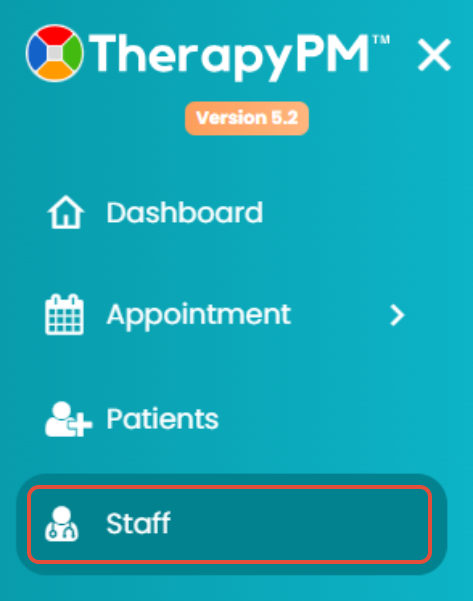
- Select the staff by scrolling or using the search bar.

- Select Staff Portal.
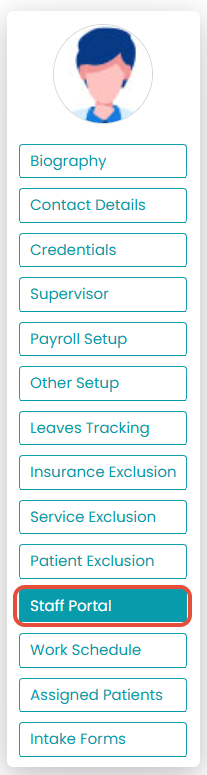
- Click on Access Settings (2nd tab).
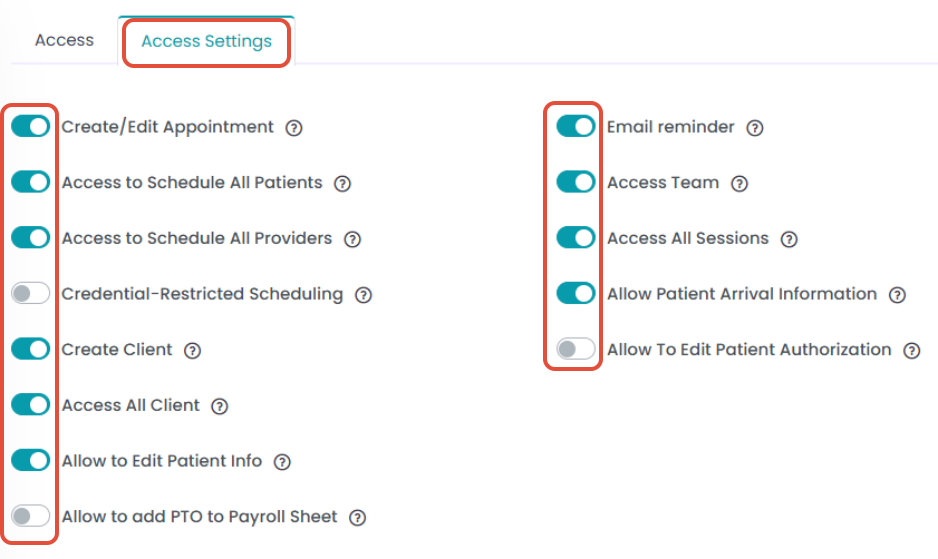
- You can set what each staff member has access to, including scheduling, patient creation, and client information.