
To generate an invoice in the Patient Statement module:
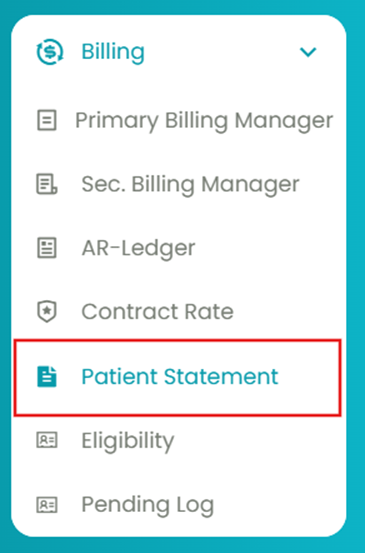
- Navigate to Billing > Patient Statement.
- Use the "To Date" filter to generate the table, and also filter based on client(s) and date range (optional).
- Select the patient statement using the checkboxes.
- Select Generate Invoice using the drop-down to create a billing invoice.
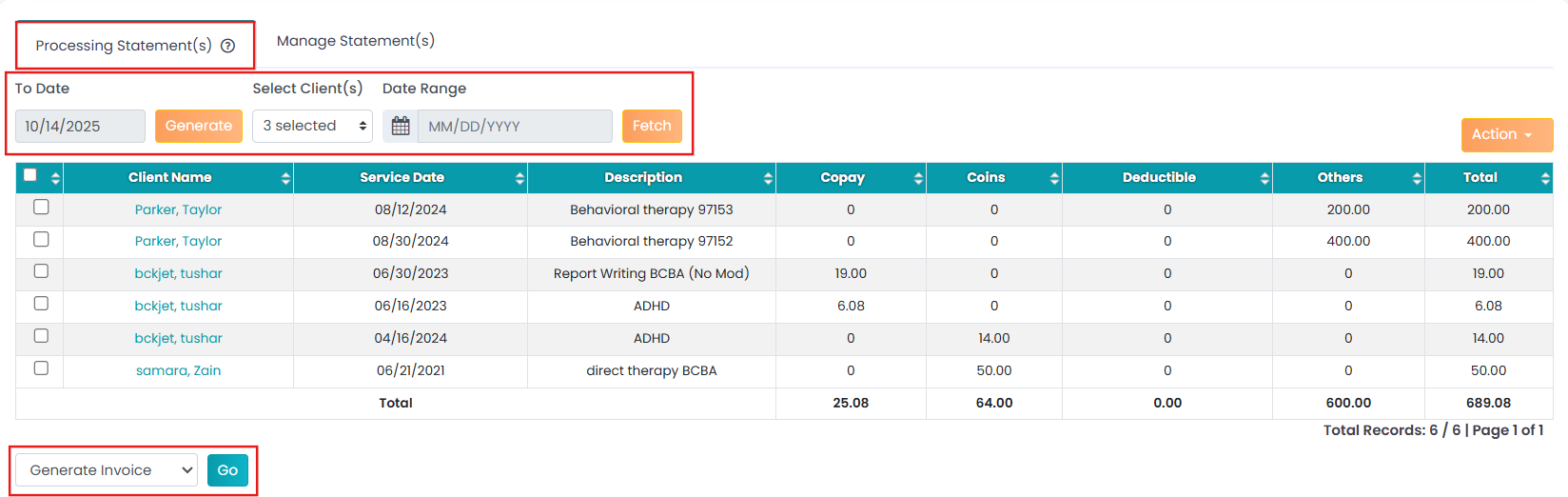
Once the invoice is generated, it will be sent to the patient or their guarantor and moved to the Manage Statement module.