
To bulk delete contract rates from the Contract Rate table:
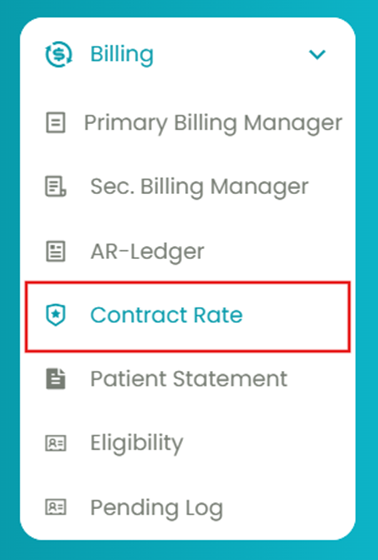
- Navigate to Billing > Contract Rate.
- Select the insurance and treatment to generate the Contract Rate table.
- Select the contract rate using the checkboxes.
- Under the Actions column, select the "Bulk Delete" option and click Go.

With this option, you can remove all the contract rates at once. This is especially useful for cleaning up multiple outdated or incorrect rates.