
Any added contract rate for a payor can be made active/inactive using the Active toggle in the contract table.
To activate or deactivate a contract rate:
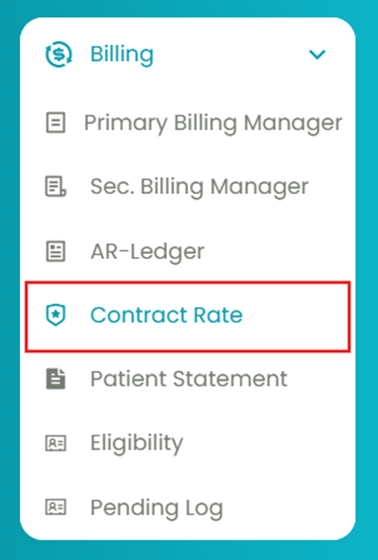
- Navigate to Billing > Contract Rate.
- Select the insurance and treatment using the filters and generate a contract rate table.
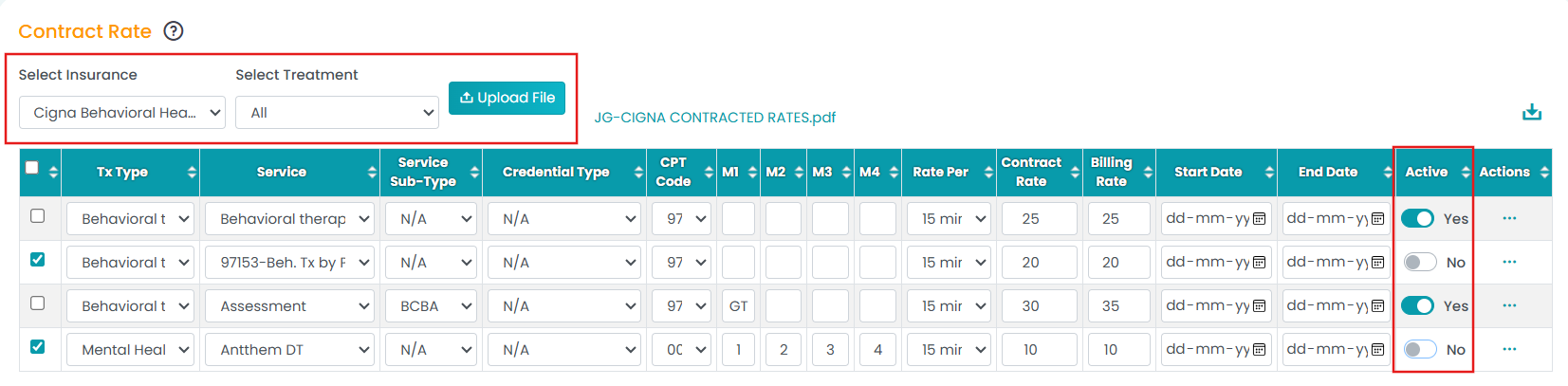
- In the Active column, toggle “Yes” to activate the contract rate, and turn it off to deactivate it.
Note: Only active rates will be used when creating session authorizations.