To download the secondary claim list:
- Navigate to Billing > Secondary Billing Manager.

- Use the filters to generate the list of secondary claims.

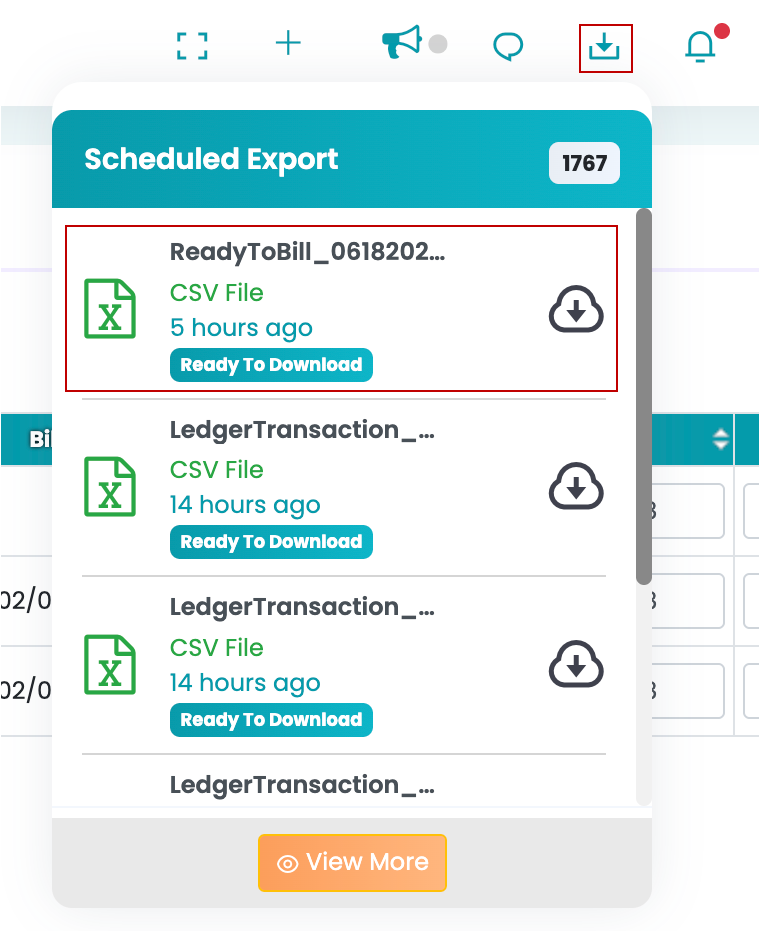
- Click the Download icon (top right).
- The file will be available in the TherapyPM download tray. Click the file to download it to your system.