
The Codes Bulk Update action allows you to update CPT codes or related billing details for multiple claims at once.
To use the "Codes Bulk Update" action: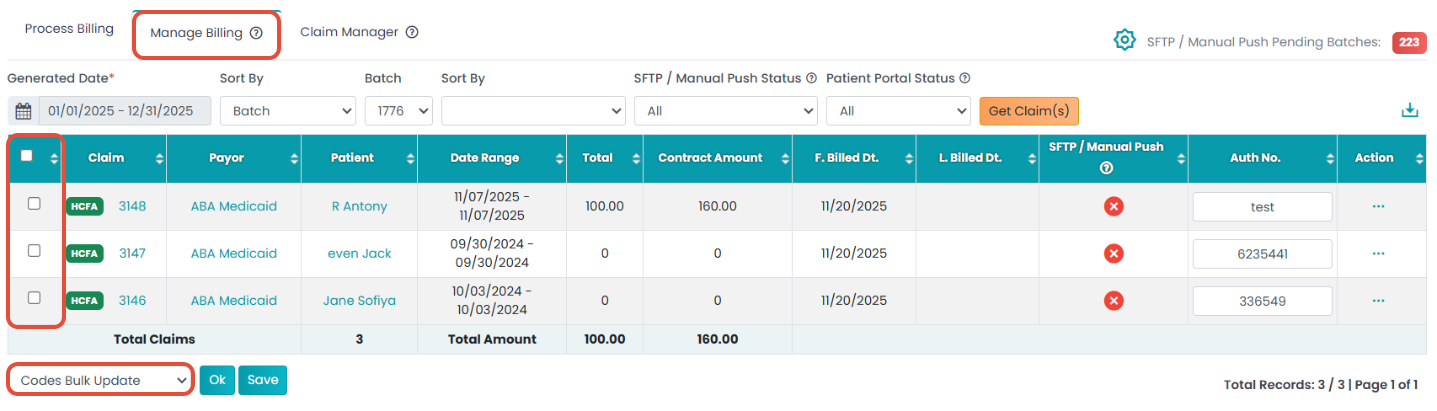
- Navigate to Billing > Primary Billing Manager.
- Click the 2nd tab: Manage Billing.
- Use the filters to generate the claims table and select the claim using checkboxes.
- Select "Codes Bulk Update" under the drop-down.