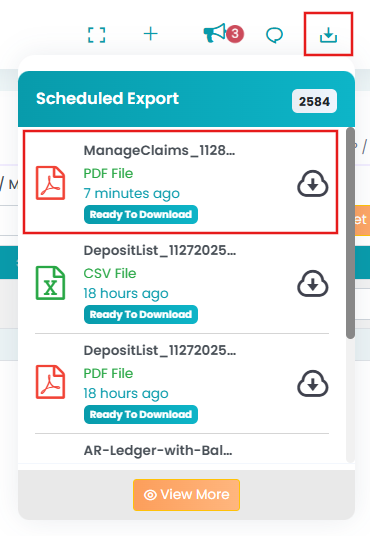
To download the list of claims for a particular session:
- Navigate to Billing > Primary Billing Manager > Manage Billing (2) tab.
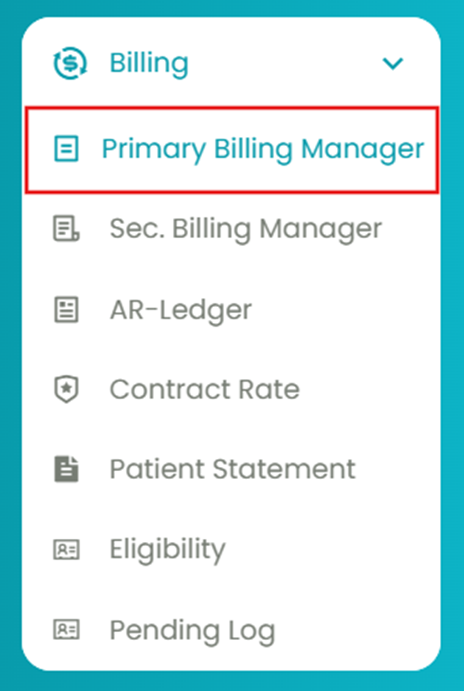
- Use the filters to generate the list of claims you wish to download.

- Click the Download icon (top right) and select the format (PDF or CSV) to download the list of claims.
- The file will be downloaded to the Download Tray. You can further view and download the same file on your computer.