Patient - How to Add Multiple Addresses for Patient?
Print
Modified on: Wed, 26 Nov, 2025 at 10:14 AM
- Log on to the TherapyPM portal using the link: https://app.therapypms.com/.
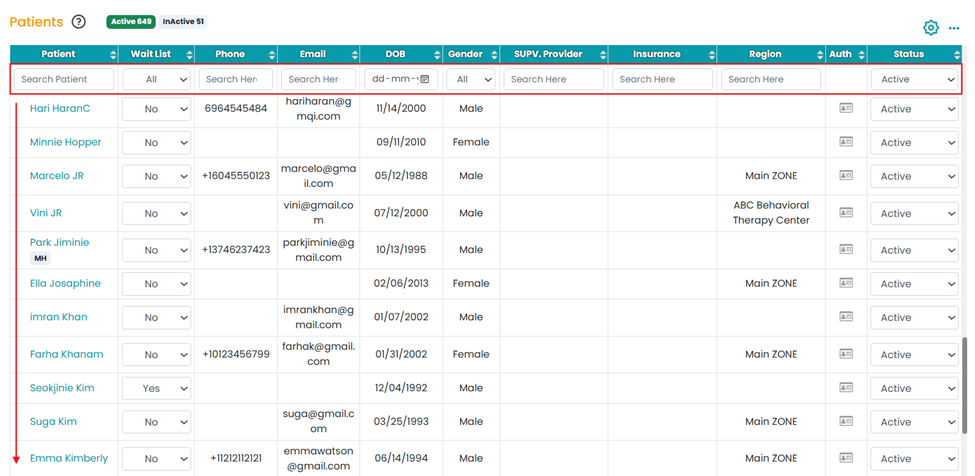
- Navigate to the Patients module and select the patient (scroll down or use the search bar).
- Under Address, click on the Blue “+” icon.


- You can add as many addresses as you want by clicking on this “+” icon.
Did you find it helpful?
Yes
No
Send feedback Sorry we couldn't be helpful. Help us improve this article with your feedback.
