
This article explains how to upload an E-Remittance file. 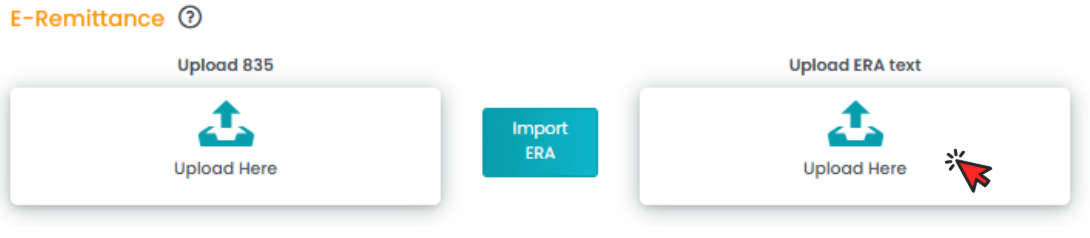
On the E-Remittance page, you can manage 835 files and ERA text files. Select your desired file type, then click the Import ERA box in the center of the page. The system will process the uploaded file and generate a structured payment posting format.
Note: This feature can only be used for claims where the deposit has been received and the claims have been sent out from TherapyPM.